Kaizen Loyalty, 2022

Turning Nutella jars into rewards

Nutella’s loyalty app lets people enter the code from the jar, collect points and turn them into gifts. I was the senior UI and product designer at Kaizen Loyalty, from the first wireframes to the final design language.

Role
Senior UI/Product Designer
Team
A product manager, two product designers and the development team
Timeline
2022
Scope
Mobile app
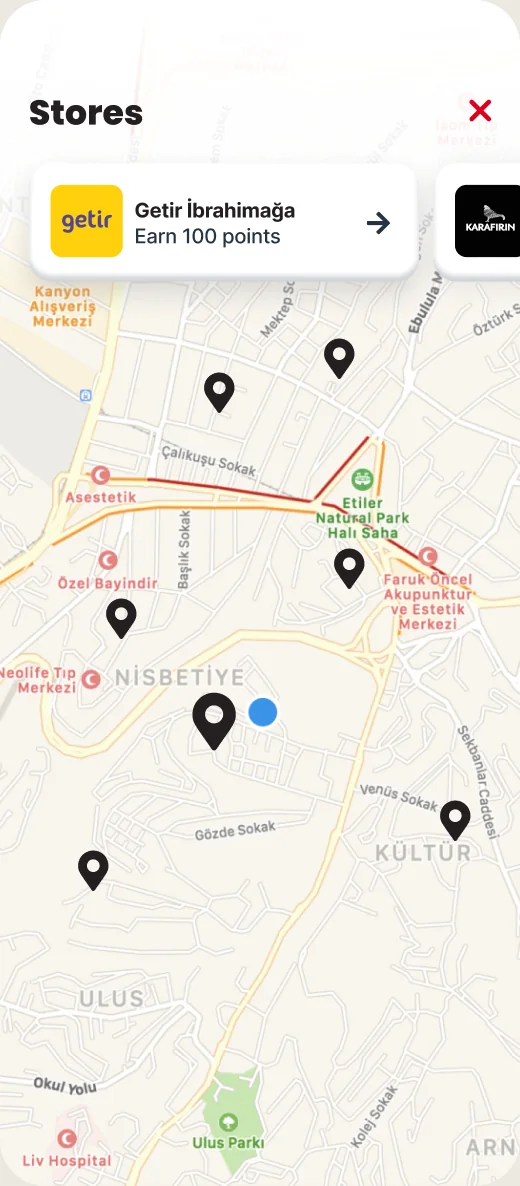
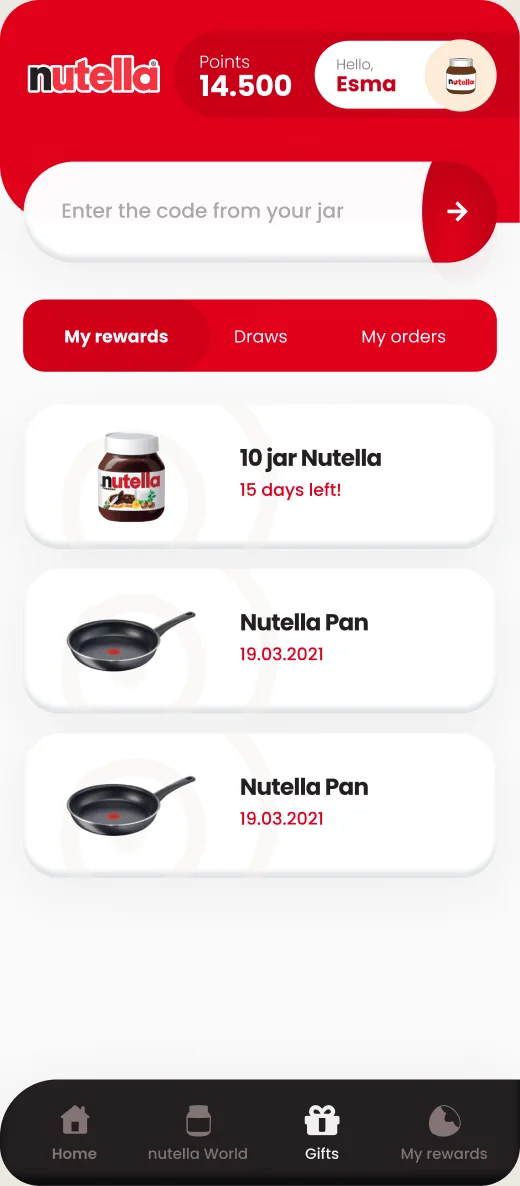
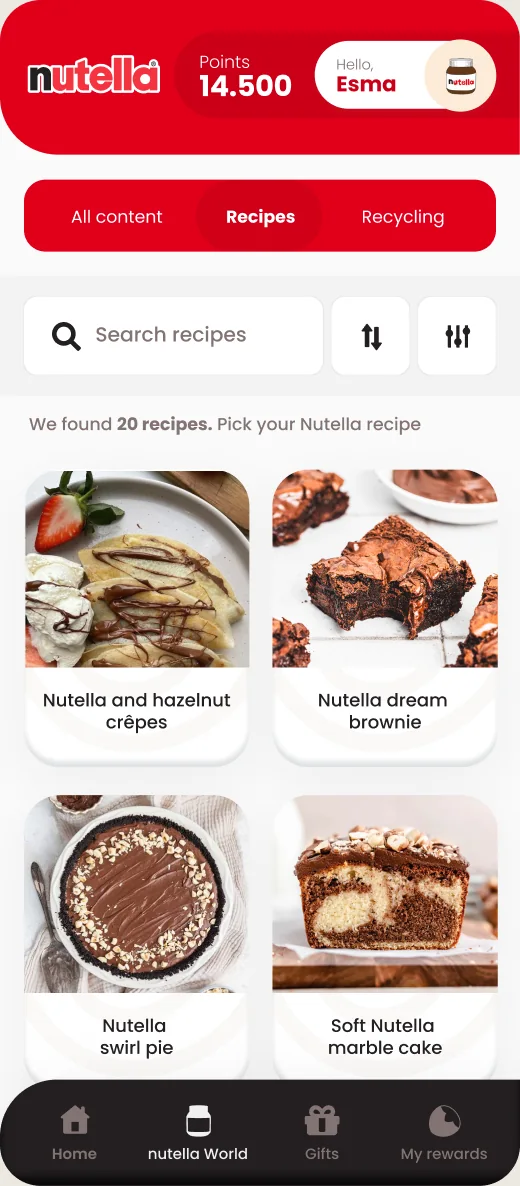
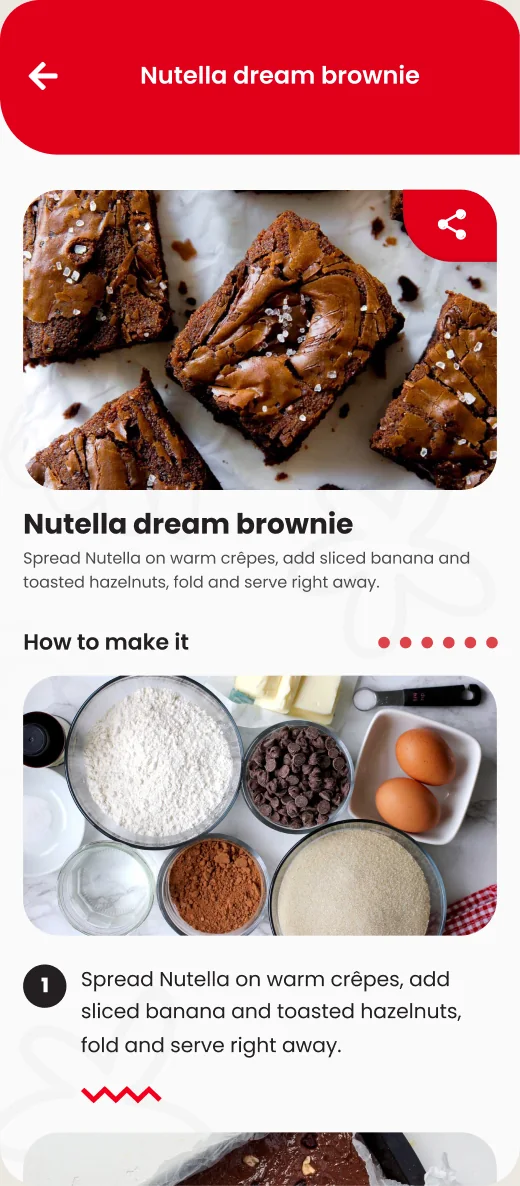
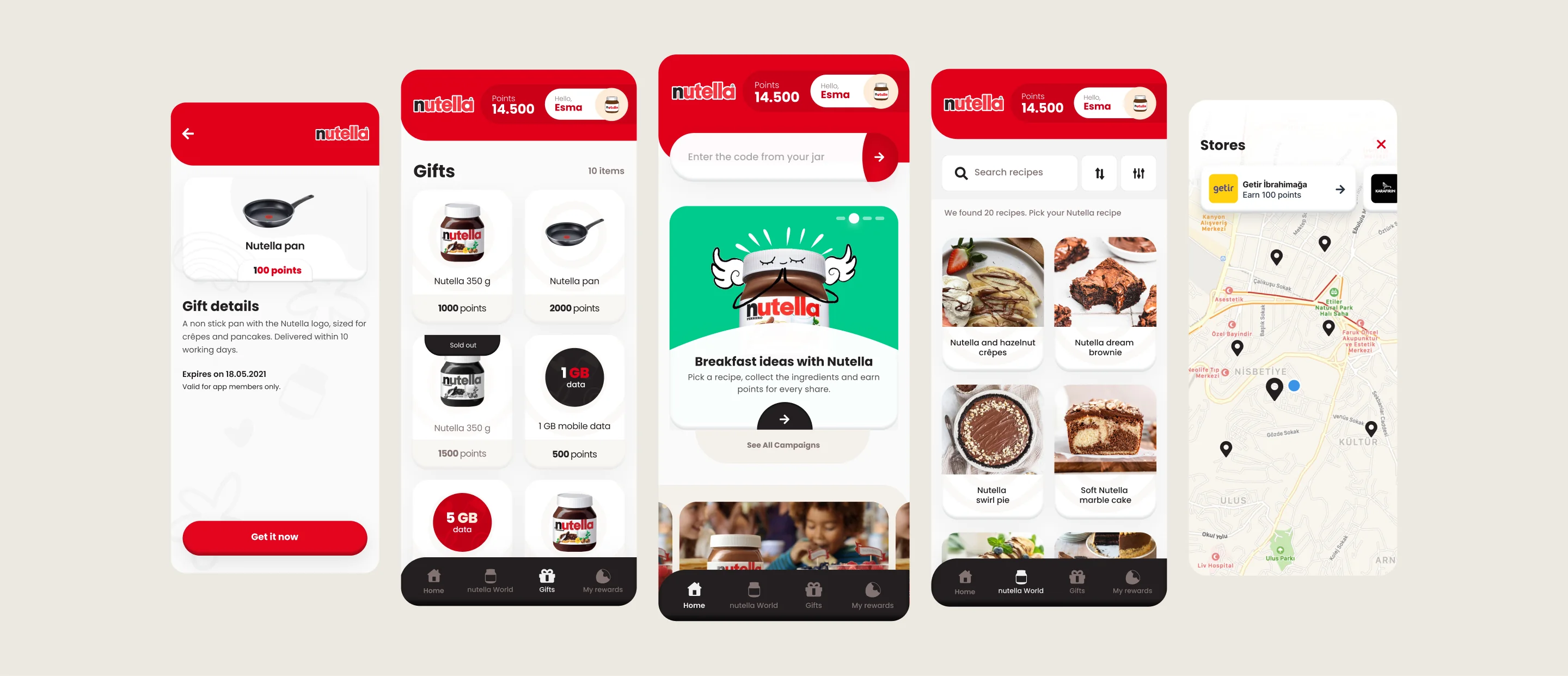
Nutella loyalty app screens: gift detail, gift catalog, home with code field, recipes and store map
My role
Structure and flows with the product team, then the visual design and the components behind every screen.
Problem
Nothing kept people in touch with the brand after the jar was empty.
Impact
The full loyalty loop shipped, from the code in the jar to a gift at the door.

Overview

Nutella wanted a closer relationship with the people who buy it. The app had to do the loyalty basics well: codes, points and gifts. It also had to give people a reason to open it between purchases.

Approach and rationale

Get the loop right, then give people a reason to return

We started with the two flows the business depended on, earning and redeeming, and only then added reasons to open the app between jars.

Execution

One set of components for every screen

I led the visual design and wanted Nutella to feel warm and friendly. We agreed on that feeling first, then I designed the key components and built every screen from them, so the app welcomes people in without overwhelming them.

Nutella app components on a dark board: campaign cards, gift cards, code field, order tracker, buttons and dialogs

Decisions 01

Make the code the first thing you see

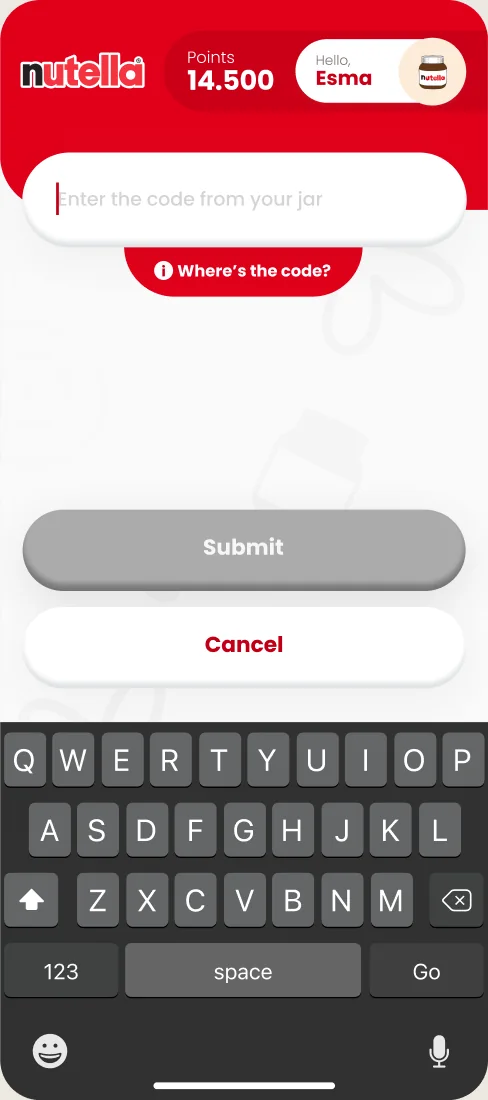
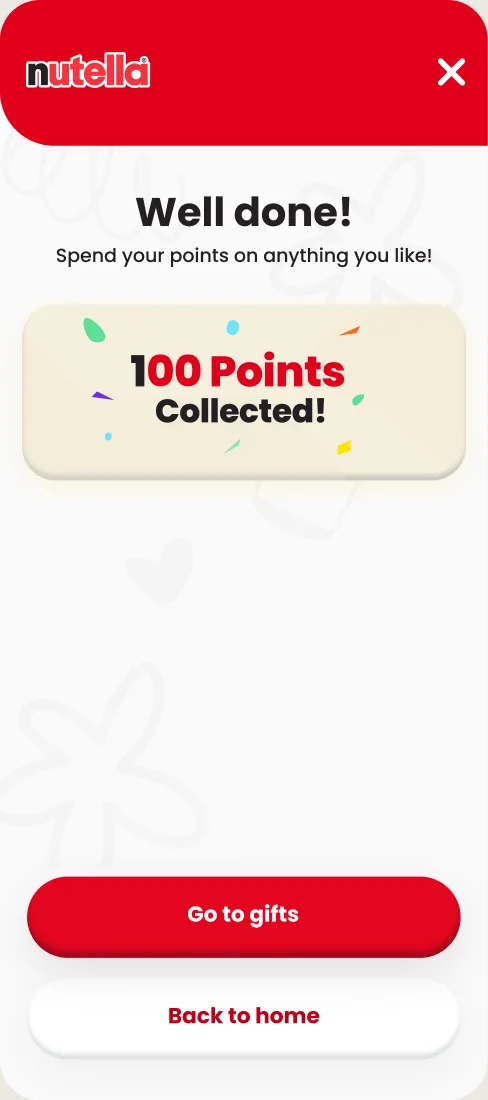
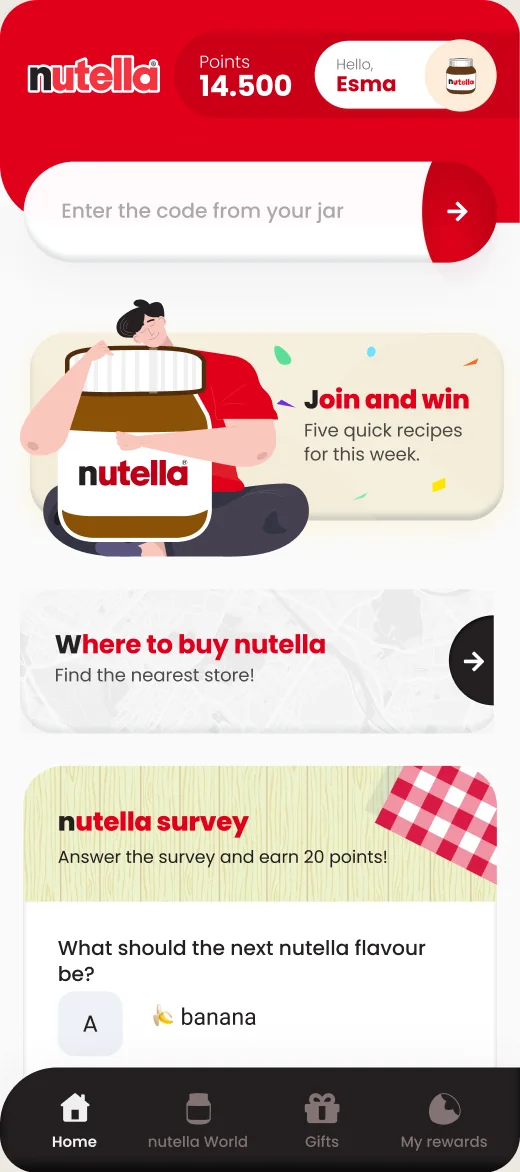
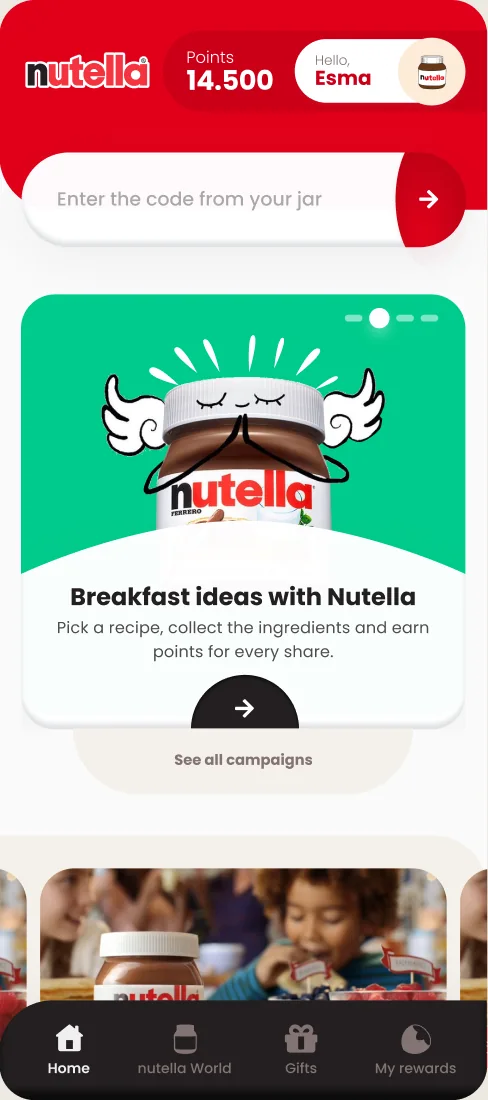
The first priority was getting people to use the codes in their jars, so collecting them pulled them into a loop of points and rewards. The code field sits at the top of the home screen next to the points balance, so people always see what they have and what it can get them.
  • Earning points: Discovery

    Discovery

  • Earning points: Code field on home

    Code field on home

  • Earning points: Points on every gift

    Points on every gift

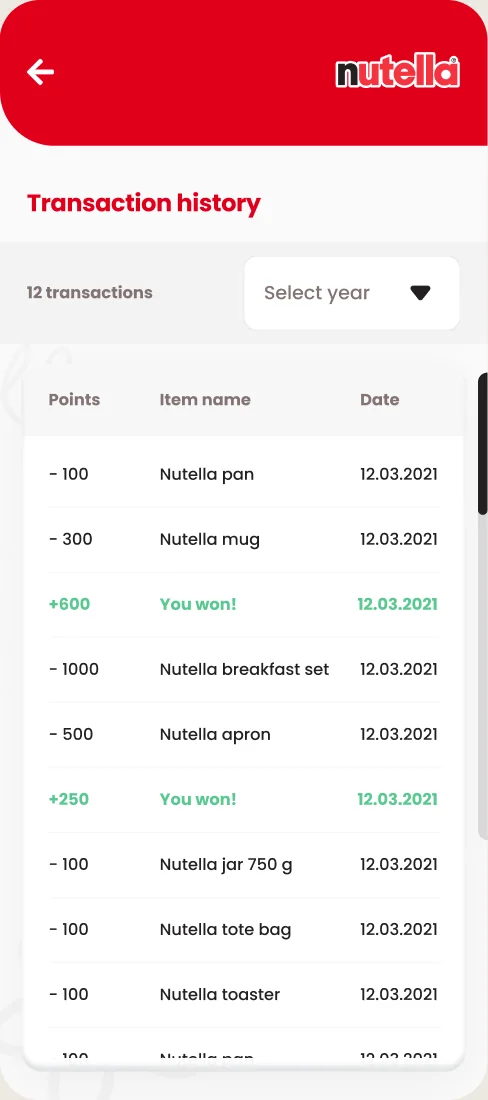
  • Earning points: Transaction history

    Transaction history

Decisions 02

From points to a gift at your door

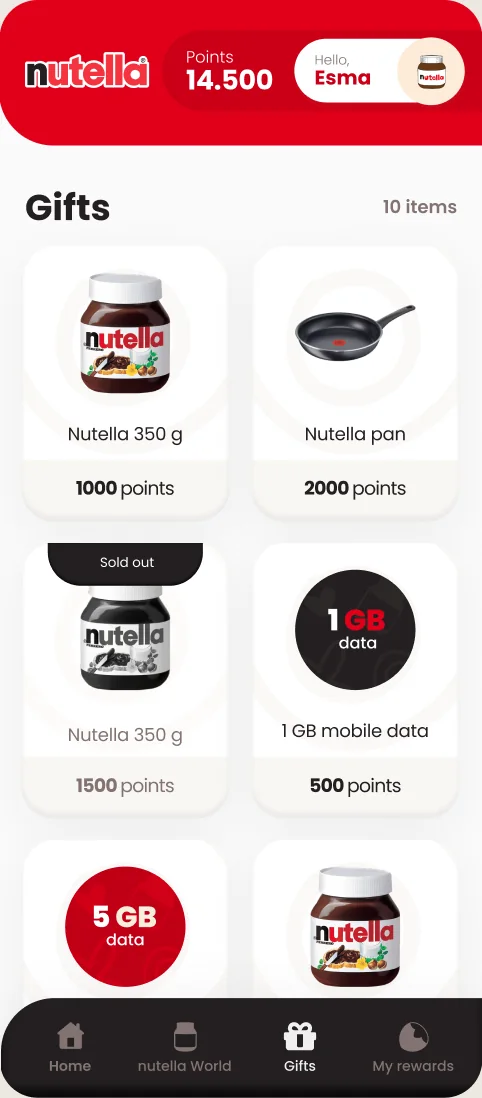
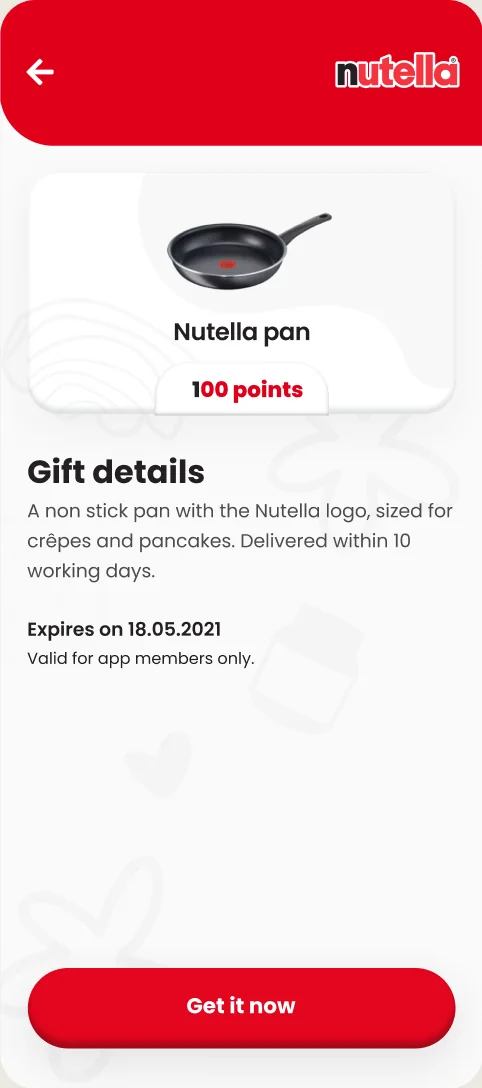
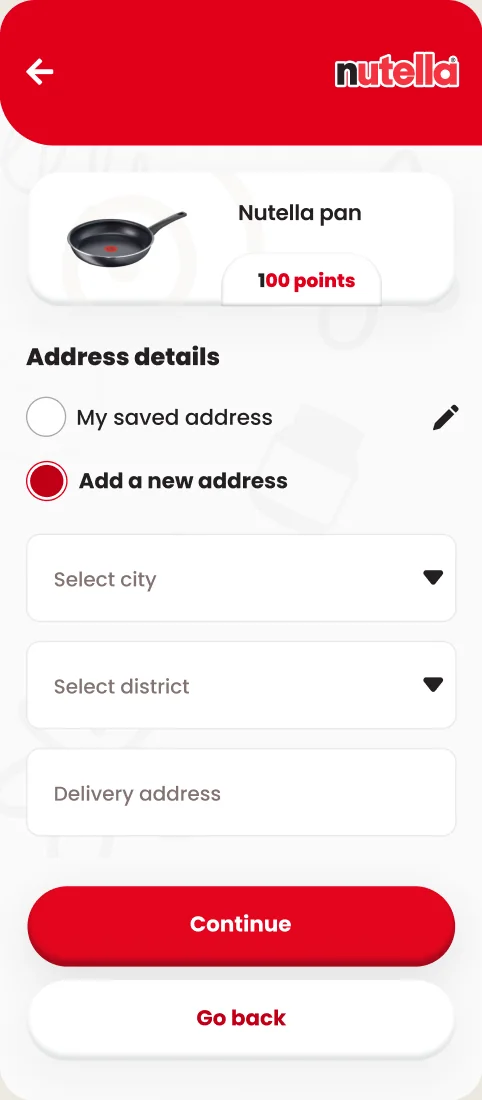
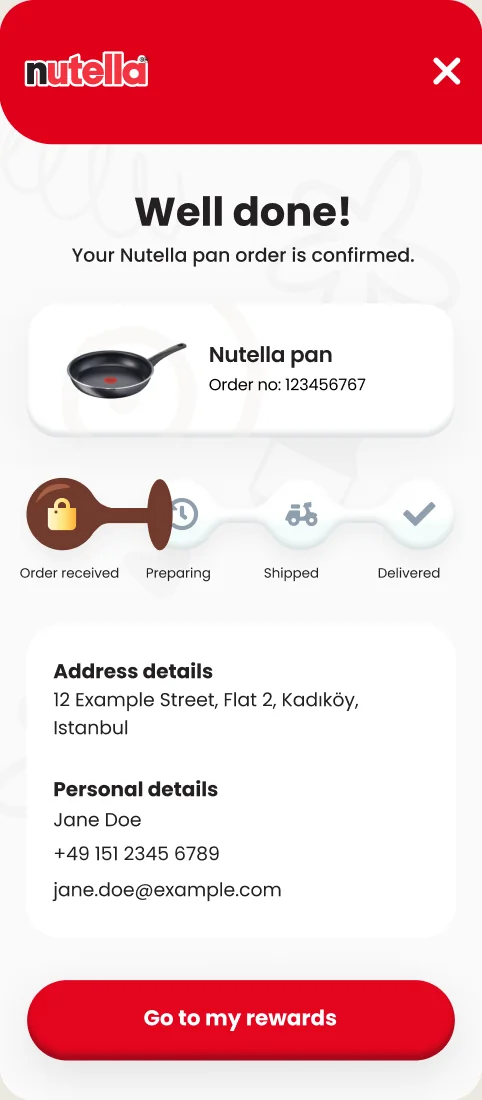
The second key flow was spending. Each gift card shows the points it needs, and delivery takes one step: pick an address, check the summary and confirm. People can then follow their gift to the door.

  • Redeeming a gift: Gift catalog

    Gift catalog

  • Redeeming a gift: Gift detail

    Gift detail

  • Redeeming a gift: Saved or new address

    Saved or new address

  • Redeeming a gift: Check and confirm

    Check and confirm

Decisions 03

Find Nutella nearby and follow your gifts

To make buying Nutella easier, a map lists the nearest places that sell it. The won area lists gifts, draws and orders with the same gift cards, so a gift looks the same everywhere.

  • Stores and gifts: Sales points on home

    Sales points on home

  • Stores and gifts: Nearest sales points

    Nearest sales points

  • Stores and gifts: Gifts and orders

    Gifts and orders

Decisions 04

A reason to open the app between jars

We didn’t want the app to live only in the loop of buying and redeeming. Recipes with matching playlists and posts from social media show new ways to use Nutella, and give people a reason to come back between jars.

  • Nutella world: Recipes

    Recipes

  • Nutella world: Recipe detail

    Recipe detail

Outcome

What I delivered

The full loyalty loop, designed end to end: code entry, points, the gift catalog, checkout and order tracking, the store map and Nutella world. I handed over the design language, the component set and every screen, with prototypes for the key flows, and worked with the developers until the build matched the design.

Hiring a senior product designer,
or want to talk design systems?